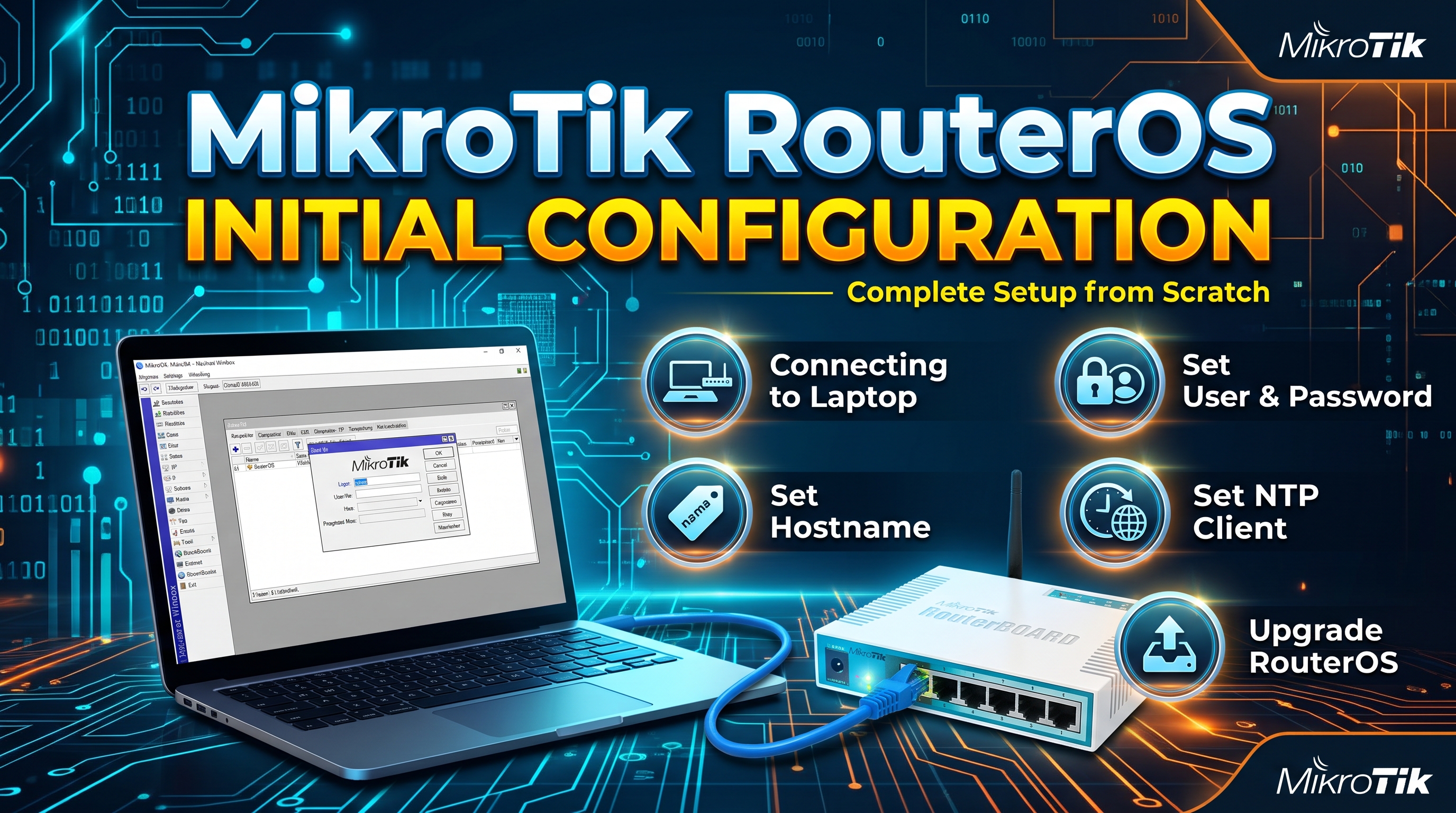
MikroTik RouterOS Initial Configuration
First time accessing the router Download Winbox & click Winbox. Go to “Neighbors” menu. Enter “192.168.88.1” as default IP Mikrotik Router in Connect to field, enter “admin” in Login field, and leave
Series
First time accessing the router Download Winbox & click Winbox. Go to “Neighbors” menu. Enter “192.168.88.1” as default IP Mikrotik Router in Connect to field, enter “admin” in Login field, and leave
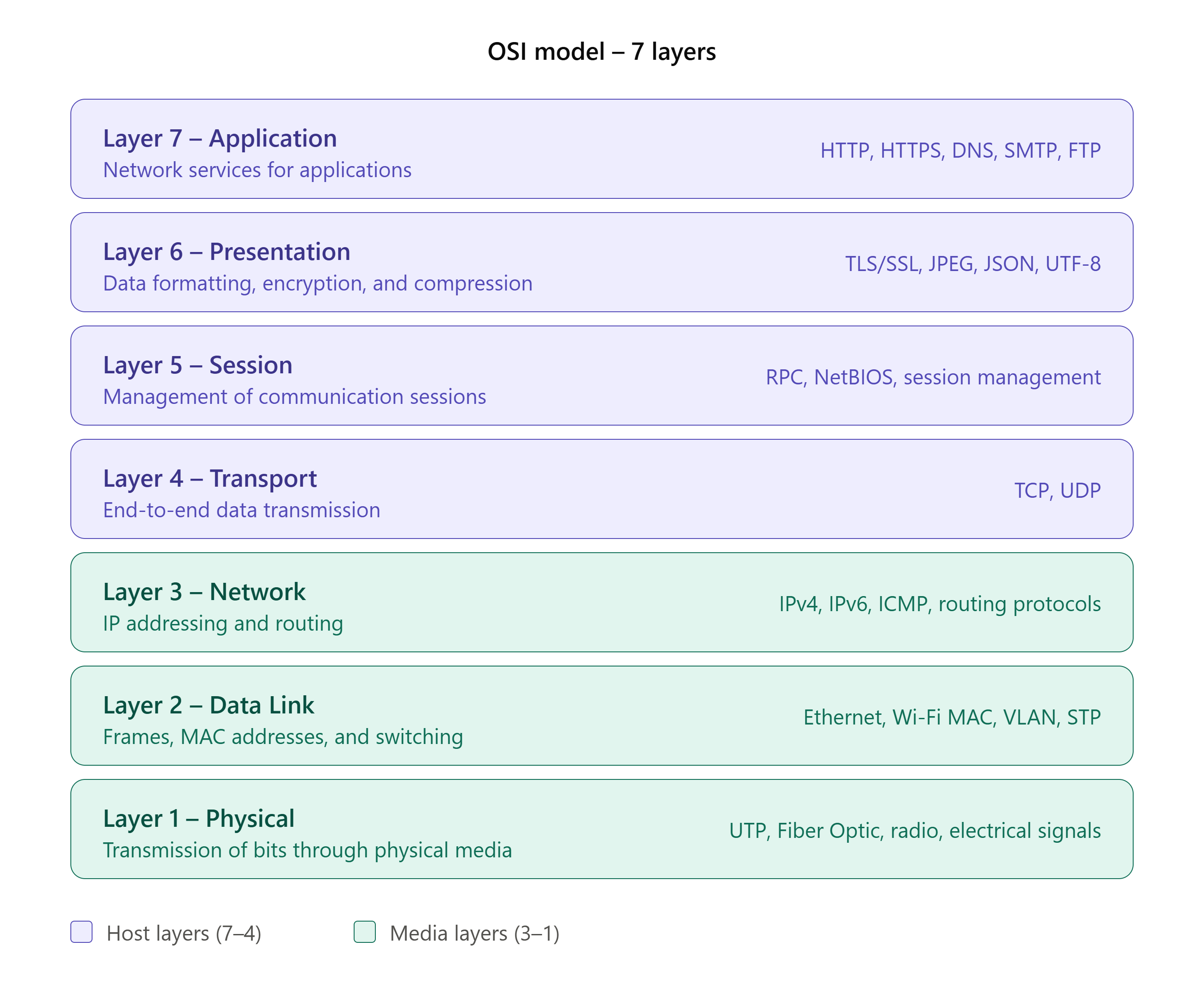
Introduction The OSI Model (Open Systems Interconnection Model) is a reference model that explains how data is transmitted, received, and processed between devices over a network. The OSI Model divide